Meditation techniques for stress1.0
Publisher Description
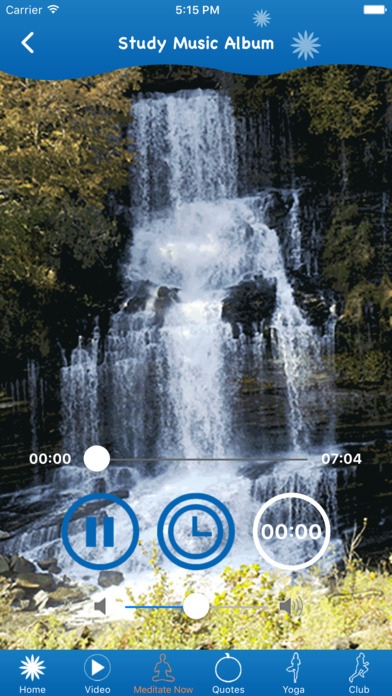
This Meditation techniques for stress App
How To Relieve Stress By Meditation
Total Meditation Guide
ACHIEVING AWARENESS MEDITATION
Binaural Beats
BODY AWARENESS
DEEPAK CHOPRA MEDITATION
How Meditation Helps Insomnia
Meditation Can Help
MEDITATION THROUGH PRAYER
Methods Of Meditation To Relax You
Video
GUIDED MEDITATION for Stress Relief
Guided Meditation For Anxiety & Stress, Beginning Meditation, Guided Imagery Visualization
GUIDED MEDITATION: Stress Relief
Guided Meditation Deep Relaxation 10 Minutes for Stress Relief
Guided Meditation for Inner Strength, Ease, and Clarity. Create Insight - Reduce Stress
Guided Meditation: Centering Yourself | A Grounding Mind Meditation for stress, sleep, anxiety
Guided Meditation for Stress Relief
Guided Mindfulness Meditation on Stress - Guided Body Scan - Control Anxiety
5 Minute Guided Meditation for Stress Relief
GUIDED MEDITATION - TOTAL STRESS RELIEF!
Download and Enjoy reading Meditation techniques for stress
Requires iOS 8.0 or later. Compatible with iPhone, iPad, and iPod touch.
About Meditation techniques for stress
The company that develops Meditation techniques for stress is KiritKumar Thakkar. The latest version released by its developer is 1.0.
To install Meditation techniques for stress on your iOS device, just click the green Continue To App button above to start the installation process. The app is listed on our website since 2016-11-24 and was downloaded 16 times. We have already checked if the download link is safe, however for your own protection we recommend that you scan the downloaded app with your antivirus. Your antivirus may detect the Meditation techniques for stress as malware if the download link is broken.
How to install Meditation techniques for stress on your iOS device:
- Click on the Continue To App button on our website. This will redirect you to the App Store.
- Once the Meditation techniques for stress is shown in the iTunes listing of your iOS device, you can start its download and installation. Tap on the GET button to the right of the app to start downloading it.
- If you are not logged-in the iOS appstore app, you'll be prompted for your your Apple ID and/or password.
- After Meditation techniques for stress is downloaded, you'll see an INSTALL button to the right. Tap on it to start the actual installation of the iOS app.
- Once installation is finished you can tap on the OPEN button to start it. Its icon will also be added to your device home screen.
